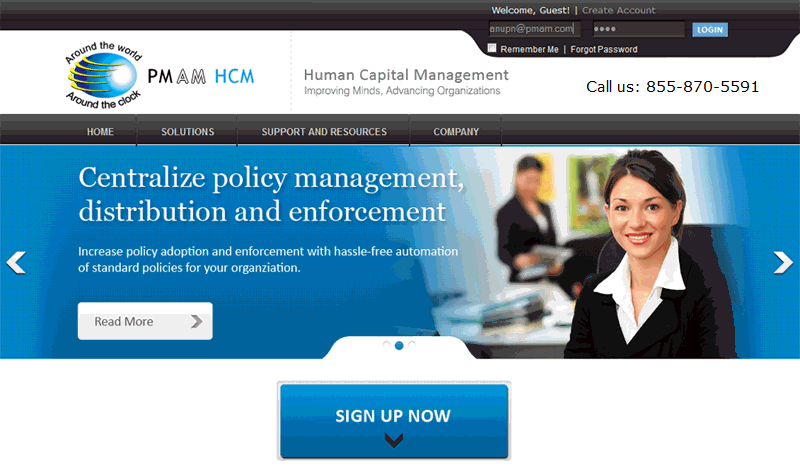
About HCM:
PMAM HCM is a solution for all your Human Capital Management needs. It offers enhanced capabilities for training knowledge integration, policy management and performance appraisals to help HR managers create tangible value for the human capital in the organization
This User Manual will assist you in your initial set up of the PMAM HCM (Human Capital Management) system and guide you through the process of how to use the HCM system.
Video Demonstrations:
In most areas of the HCM system you will see a VIEW DEMO link on the top left of the screen. This will bring up a short training video about the section you are in and show you how to use the features or make changes to that area.
Notes Fields and Uploading Supporting Documents:
On several screens you have the option to add notes regarding training, policies, feedback, and/or employee assessments. This is an excellent practice for all HCM users to document any changes or updates made in the system for historical data records. Within the system you will see areas that allow you to add Notes, Upload Documents, Images or Media Files. On many screens you may upload supporting documents.
Document files supported for upload are: .txt (text files); .xls, .xlsx or .csv (Excel files); .doc or .docx (Word documents), .pdf (Adobe PDFs); .ppt or.pptx (PowerPoint documents).
Image files supported are: .jpg (JPEG) or .png (PNG).